
Milly AI Search — turn your search box into a shopping assistant
A live results grid alongside an AI chat that recommends real products, a floating chat bubble on every page, and a product assistant that answers shoppers' questions right on the product page.
- Instant results plus an AI helper, side by side
- A chat bubble that's there on every page of your store
- A product assistant that answers questions on the product page
- Only suggests products you actually sell
- Learns your shipping & return policies once
- You choose which products it pushes most
- Handles typos and speaks your customers' language
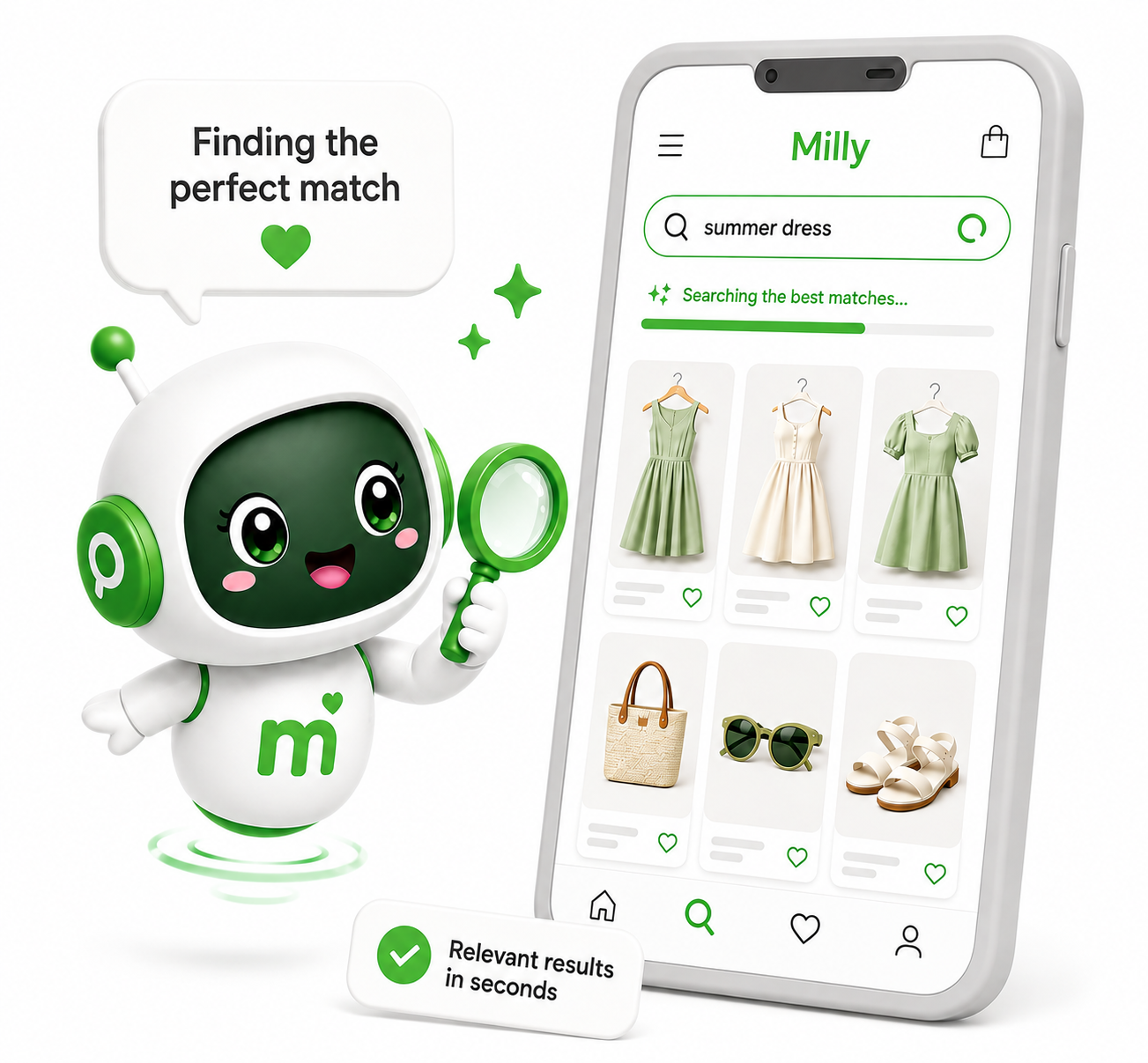
How do shoppers see Milly on my storefront?
Milly has three parts, and you can switch each one on or off in Settings: the AI search widget (clicking your theme's search icon opens the Milly popup instead of the theme's native search), the AI chat bubble (a floating chat button on every page) and the product assistant (a "Have questions about the product?" box on product pages). For the search widget and the chat bubble, enable the "Milly - App switch" app embed (Theme editor → App embeds). For the product assistant, add the "Milly - Product assistant" block to your product page template in the theme editor.
What is the AI chat bubble?
A round chat button pinned to a corner of every page, so shoppers can ask for help without opening search first. You choose the corner, size, colors and icon (a preset or your own uploaded image). You can also show a short teaser message a few seconds after the page loads, and let the bubble flip now and then to show your assistant's avatar.
What does the product assistant do?
It sits on your product pages and answers questions about that exact product — sizes, materials, fit, care and more — using the product's own details, so it doesn't make things up. Shoppers can type a question or tap one of the suggested questions shown as buttons.
Where do the suggested product questions come from?
For each product, Milly uses the first of these that exists: questions you wrote for that product, questions you wrote for one of its collections, questions the AI writes from the product's own details (1–5 per product, 3 by default), or your store-wide default questions. AI questions are written the first time a product is viewed, saved, and rewritten automatically when the product changes. Manage everything on the Suggestions page under "Product assistant questions" — and under "Hide the product assistant on" you can hide it for specific products, collections, product types, vendors or tags.
Are the answers to suggested questions instant?
Yes, after the first time. The first time a shopper taps a suggested question on a product, the answer is saved, and every later shopper gets it instantly. Saved answers stay until you press "Clear AI cache".
What happens when the AI can't answer a question?
If the product, size or color a shopper wants isn't available, Milly suggests the closest alternatives — including other brands that do have it. Only when it really can't help does it give your store's phone number and email, which you set in Settings ("Contact phone" and "Contact email"; if the email is empty, your store's contact email is used).
What does the AI chat actually use to answer questions?
Two sources: the live product search results for the shopper's query, and a broader catalog index we keep in sync with your store (title, tags, description, variant options, and metafields). The AI only ever recommends real products from those two sources — it doesn't invent products.
Can I teach the AI about my store?
Yes — the "Store knowledge" box in Settings holds anything the AI should always know: shipping and returns, opening hours, sizing notes, FAQs. Milly fills it in from your store policies when the app is installed, and you can edit or regenerate it at any time.
Can the AI ask shoppers questions to narrow things down?
Yes — under "Questions to ask shoppers" on the Suggestions page, list the questions in the order the AI should ask them (e.g. "Who is it for?", "What size?"). The AI asks the next unanswered one in each reply and offers tappable answers, skipping anything the shopper has already told it.
Why does the catalog index need reindexing?
New products, price changes, and inventory updates sync automatically via webhooks, and the full catalog is refreshed every night. A manual reindex ("Reindex now" at the top of the Settings and Suggestions pages) is worth running after bulk changes (e.g. a CSV import) if you want them picked up straight away.
Can I control the AI's tone, name and look?
Yes — in Settings, under "Assistant identity", you can set the assistant's name, avatar, and tone (friendly/professional/playful/concise/detailed). Under "Look & feel" you choose the colors of the shopper's messages, the assistant's replies and the buttons, plus sound effects and the online dot on the avatar. Welcome/intro message wording lives on the Translations page, one set per storefront language.
Can I pin specific products or collections for the AI to recommend?
Yes — the "AI suggestions" card on the Suggestions page lets you pin featured products and promoted collections, each with an optional note (e.g. "20% off this week"). The AI is instructed to strongly prefer recommending these when relevant.
Can I show clickable search-term pills before the shopper types anything?
Yes — the "Search suggestions" card on the Suggestions page lets you add your own one-word/short-phrase pills, or promote an actual top search straight from your store's own search history.
What's the "Show suggested search terms while typing" option?
A separate dropdown of phrase suggestions (e.g. "jeans for men") shown under the search input as the shopper types, before they press Enter — powered by Shopify's own predictive search plus a catalog-title fallback. Off by default; toggle it on the Suggestions page.
What do synonyms do, and how are they different from the AI's own wording handling?
Synonyms (Suggestions page → "Synonyms") make the plain results-grid search treat different words as equivalent — e.g. "kids" also matching "детска", or "trainers" also matching "sneakers". The AI chat side doesn't need this since it already expands the shopper's wording on its own.
Does Milly show sale/discounted pricing?
Yes — when a product has a compare-at price set, both the results panel and the AI chat's product cards show the discounted price with the original struck through, and the AI is told to mention deals when relevant.
What content types can the results panel search besides products?
Collections, pages, and articles are all optional — enable them in Settings → "Shopify native search". If you turn every type off, the results column hides entirely and the popup becomes a chat-only assistant.
Can I block certain search terms or messages?
Yes — Settings → "Content moderation" lets you list forbidden words/phrases and a custom message shown instead. Separately (and not configurable), rapid-fire requests and keyboard-mashing/gibberish queries are automatically throttled.
My theme isn't detecting the search trigger — what do I do?
Milly intercepts common search triggers (search icon/link, predictive-search inputs) used by Dawn and Dawn-derived themes. If your theme uses a different trigger, add its CSS selector in Settings → "Search trigger" — or turn on the AI chat bubble, which works with any theme.
What languages does Milly support?
Milly ships with ready-made translations in 33 languages and fills them in for every language your store uses. The Translations page lets you edit every shopper-facing string (popup, chat bubble and product assistant) per storefront language — Milly automatically shows the right set based on the shopper's active language, and the AI replies in the shopper's language.
Where do I see how Milly is performing?
The Analytics page breaks down searches, AI chat vs. results-grid product clicks, add-to-carts, and orders/revenue influenced by each surface, with a date-range picker. The homepage also shows a quick "Today" snapshot.